Every Laptop Spec, Explained
Not sure what CPU tier you actually need? Whether a GPU matters for your work? What touchscreen adds to your daily flow? This guide breaks down every key spec — what it does, why it matters, and who should prioritise it.
Quick reference — prioritise by who you are
Gamers
GPU → Cooling → Display refresh rate → RAM
Developers
CPU → RAM (32GB+) → SSD → Keyboard
Students
Battery → Weight → SSD → Budget RAM
Designers
Display (OLED/colour) → GPU → RAM → Touchscreen
Business Execs
Battery → Weight → Webcam → Keyboard
Content Creators
GPU → Display → RAM → SSD (1TB+) → Ports
Travelers
Weight → Battery → Build quality → Hinge
Social Media
Touchscreen → Display → Battery → Weight

CPU — Processor
The brain of the laptop. Everything runs through it.
The CPU (Central Processing Unit) is the core chip that executes every instruction your laptop runs — from opening a browser tab to compiling thousands of lines of code. It determines how fast and how many tasks your machine can handle simultaneously.
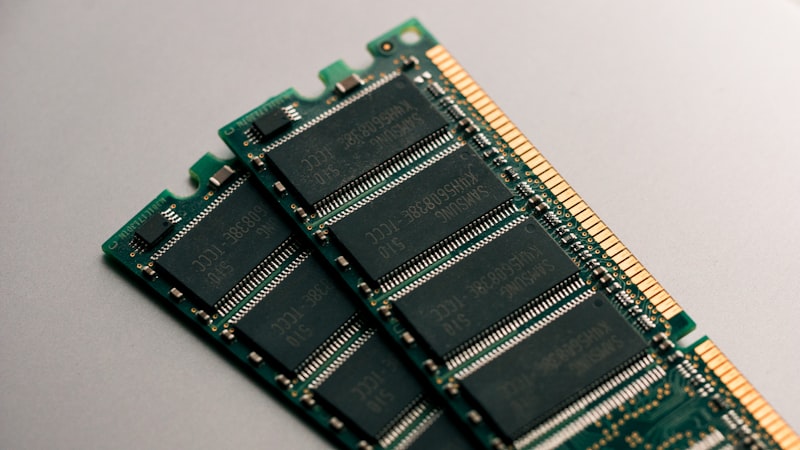
RAM — Memory
Your laptop's short-term workspace. More means more open at once.
RAM (Random Access Memory) is the fast temporary memory that holds everything currently active — open browser tabs, running apps, and background processes. Unlike storage, it is wiped when you shut down. The more RAM you have, the more you can keep in motion at the same time.
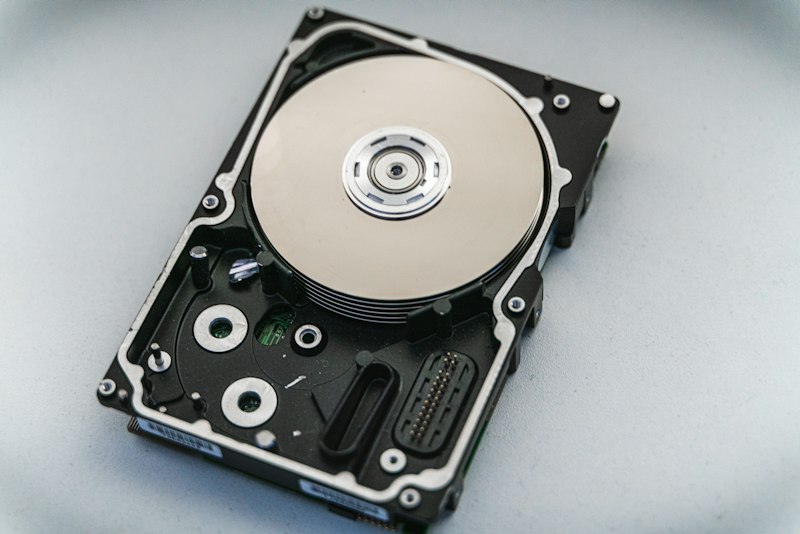
SSD — Solid State Drive
Fast storage that makes your whole machine feel instant.
An SSD is the permanent storage where your OS, apps, and files live. Unlike the spinning hard disks of the past (HDDs), SSDs have no moving parts — they use flash memory chips, making them dramatically faster, quieter, lighter, and more shock-resistant.
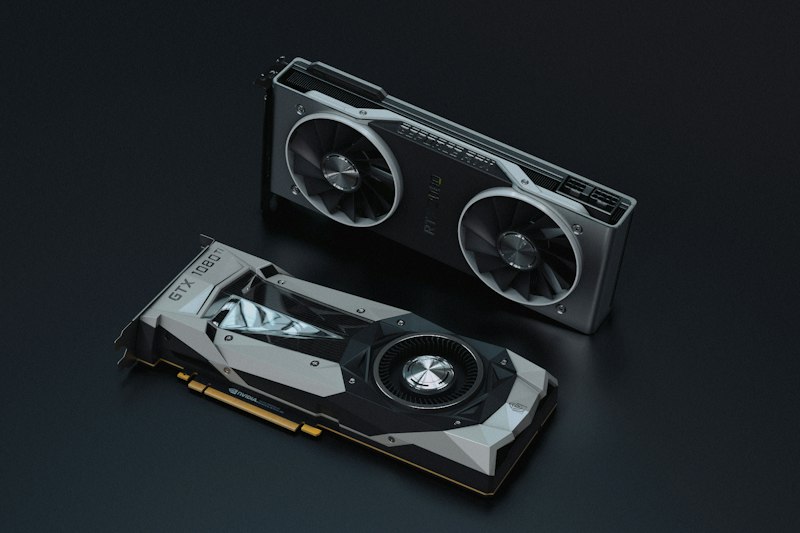
GPU — Graphics Card
Renders visuals, powers games, and accelerates AI and creative work.
The GPU (Graphics Processing Unit) handles all visual rendering — from drawing your desktop to rendering complex 3D scenes in games or motion graphics in a video editor. Modern GPUs also accelerate AI tasks, video encoding, and machine learning inference.
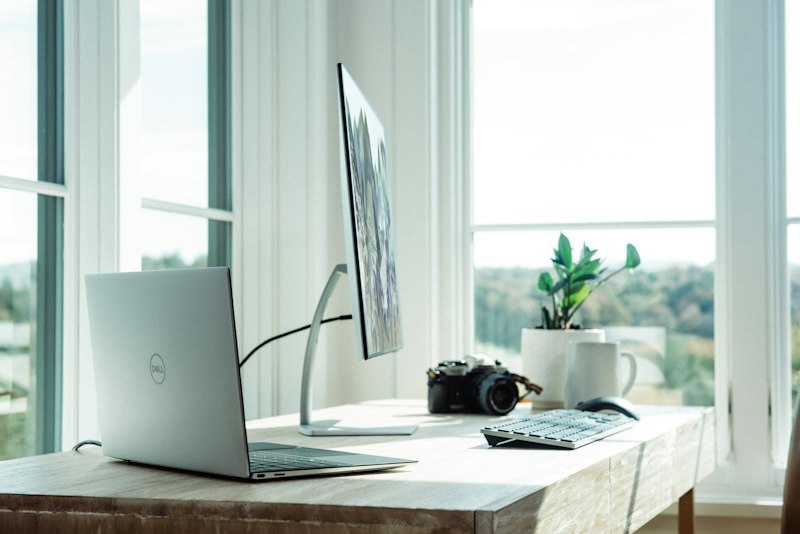
Display — Screen
What you stare at all day. It matters more than most specs.
The display is your primary interface with the laptop. Key factors include panel type (IPS, OLED, AMOLED), resolution (FHD, 2K, 4K), refresh rate (60Hz, 120Hz, 240Hz), colour accuracy (sRGB, DCI-P3 coverage), and brightness (nits). Each trade-off matters differently depending on how you use the machine.

Battery Life
Your freedom from the wall. Critical for mobile professionals.
Battery life determines how long your laptop can run unplugged. It's influenced by the battery's watt-hour (Wh) capacity, the efficiency of the processor, display brightness, and workload intensity. ARM-based chips (Apple Silicon, Snapdragon) typically deliver dramatically longer battery than x86 equivalents.
Touchscreen
A more natural, direct way to interact with your content.
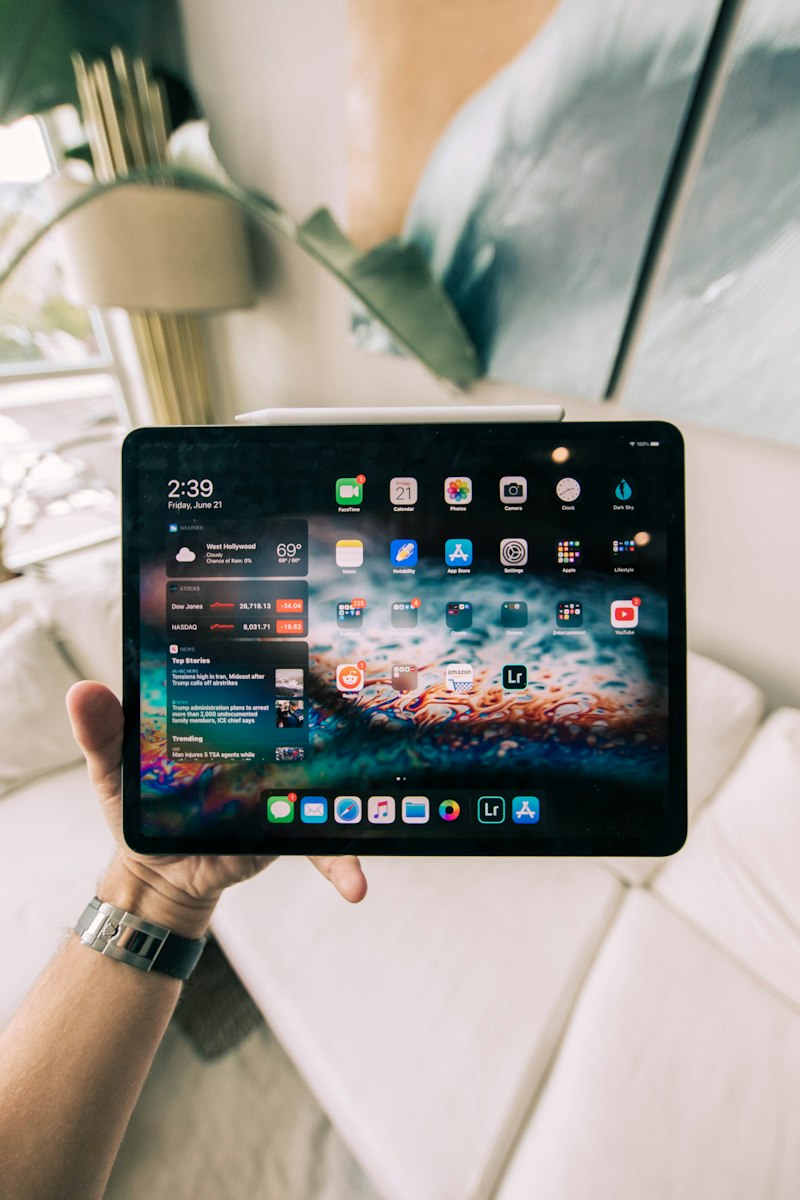
A touchscreen lets you interact directly with the display using fingers or a stylus, bypassing the keyboard and trackpad entirely for certain inputs. It can support capacitive multi-touch (fingers only) or active stylus (pressure-sensitive pen input for drawing and note-taking).
2-in-1 & Hinge Design
How your laptop opens, folds, and holds up over time.
The hinge connects the display to the keyboard base. A standard clamshell opens to ~135°. A 360° hinge lets the screen fold all the way back, converting the laptop into a tablet or "tent" and "stand" modes. Hinge strength (torque) determines whether the screen stays locked at the angle you set it, or wobbles.

Weight & Build Material
The daily carry reality. Premium materials pay for themselves over time.
Laptop chassis are made from polycarbonate (plastic), aluminium alloy, magnesium alloy, or carbon fibre. The material affects weight, rigidity, heat dissipation, and premium feel. Weight ranges from ultra-light 0.9 kg ultrabooks to 3+ kg gaming behemoths.
Keyboard & Trackpad
Your hands spend all day here. Comfort compounds over thousands of hours.
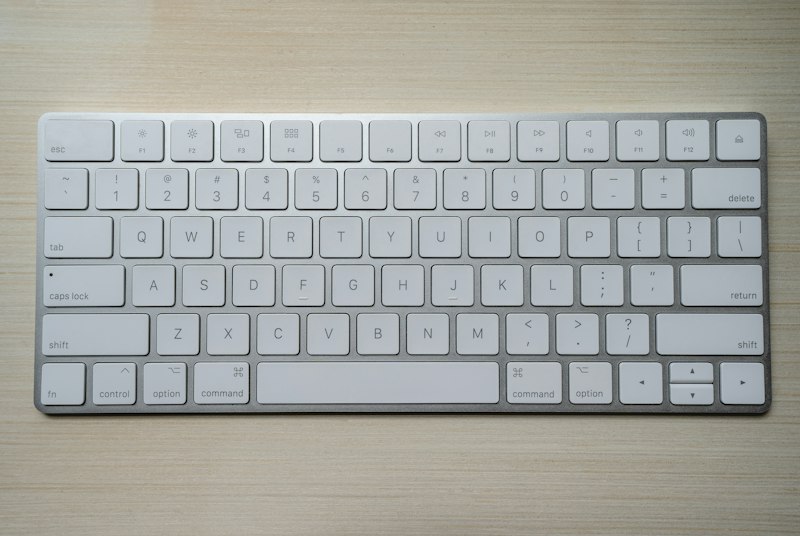
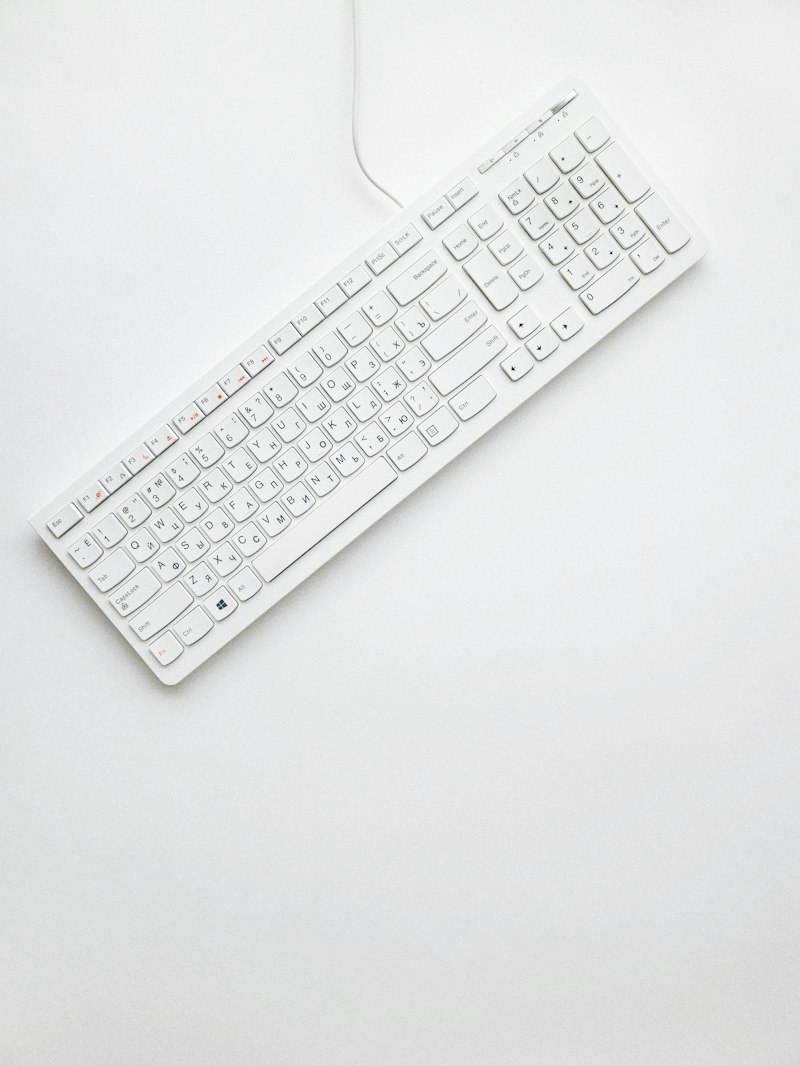
Keyboard quality is defined by key travel (how far each key depresses), actuation force, key spacing, and backlighting. Trackpad quality depends on size, surface texture, tracking accuracy, and gesture support. Both vary wildly between budget and premium laptops.

Ports & Connectivity
The right ports mean no dongles. Fewer dongles mean less friction.
Ports define what you can directly connect to your laptop: USB-A (older peripherals), USB-C (modern standard), HDMI (external display), SD/microSD (cameras), 3.5mm audio, and Thunderbolt 4/5 (high-speed daisy-chaining of displays and storage). Wi-Fi 6E/7 and Bluetooth 5.3+ cover wireless connectivity.
Webcam & Microphone
Your face and voice on every call. Quality matters more post-2020.
Most laptop webcams range from 720p (poor) to 1080p (good) to 4K (excellent). Some business laptops add IR (infrared) cameras for Windows Hello face unlock — a biometric security feature. Microphone quality affects call clarity, and whether noise cancellation is built-in or AI-powered matters in noisy environments.
Cooling System
Heat is the enemy of performance. Good cooling holds it at bay.
The cooling system — fans, heat pipes, vapour chambers, and thermal paste — removes heat generated by the CPU and GPU. When heat builds up beyond a threshold, the chip "throttles" (reduces its clock speed to cool down), causing sudden performance drops. Thin laptops trade cooling capacity for portability.